Generate Photorealistic 3D Renders Without Blender
Primsatic's Blender 3D Render preset produces images that match the quality of professional Blender Cycles renders — accurate subsurface scattering, ambient occlusion, and realistic depth of field — in seconds.
7-day free trial. Credit card required.

Blender 3D Render examples
Every image below was generated with this style. Each prompt was unique — the style is consistent.
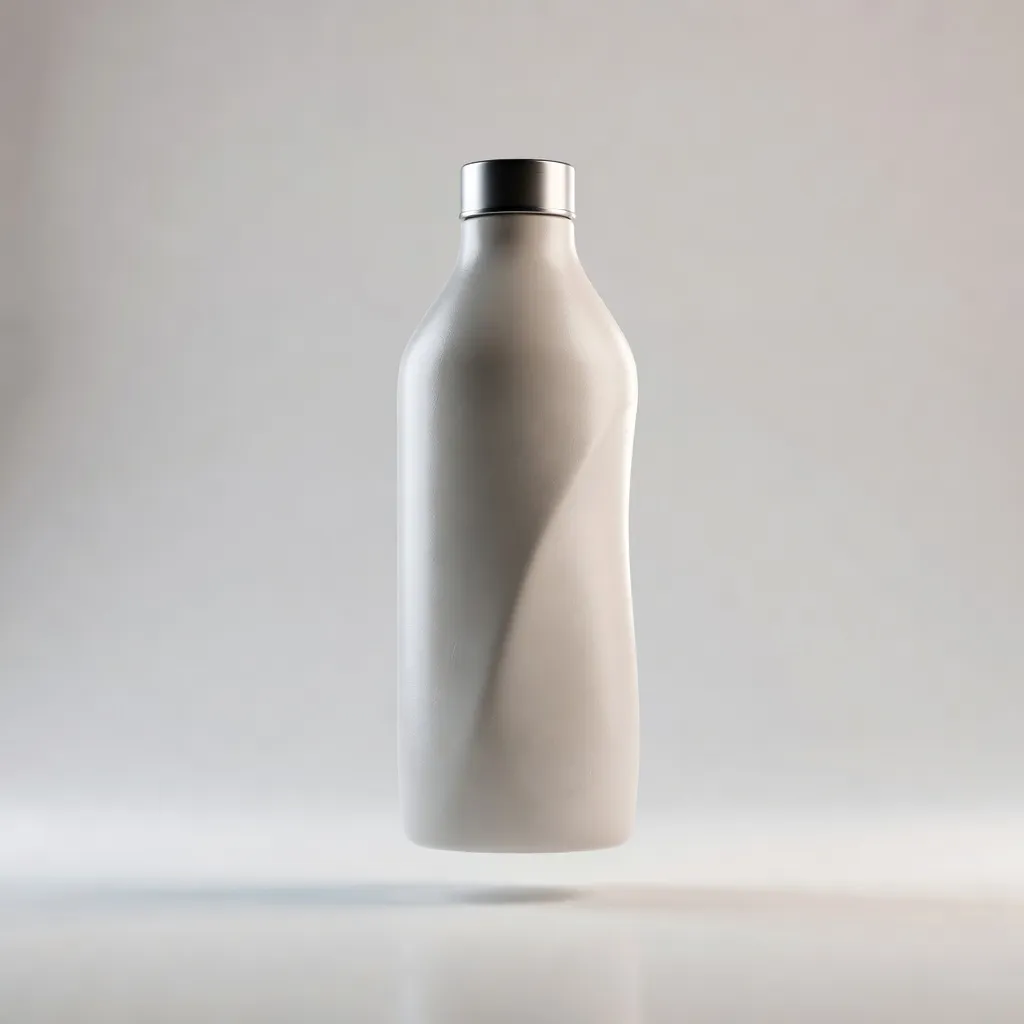
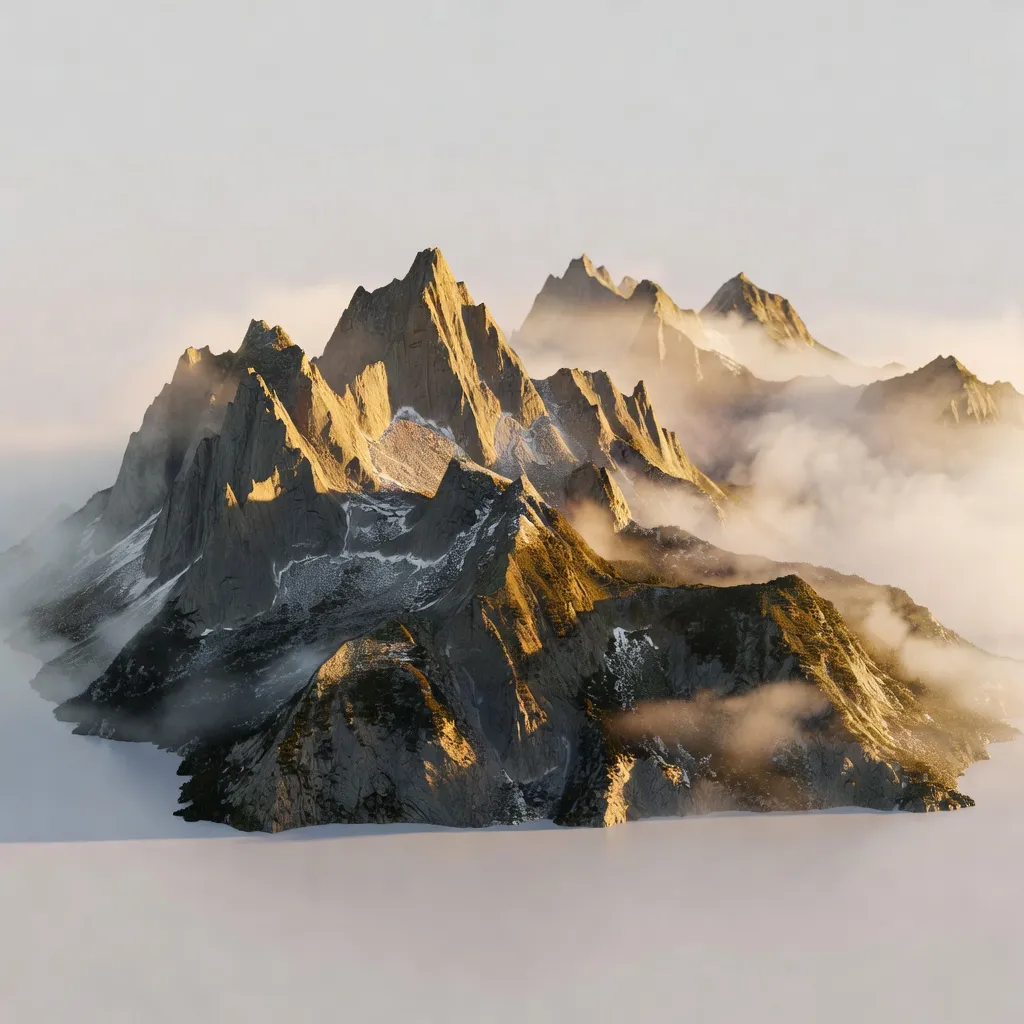
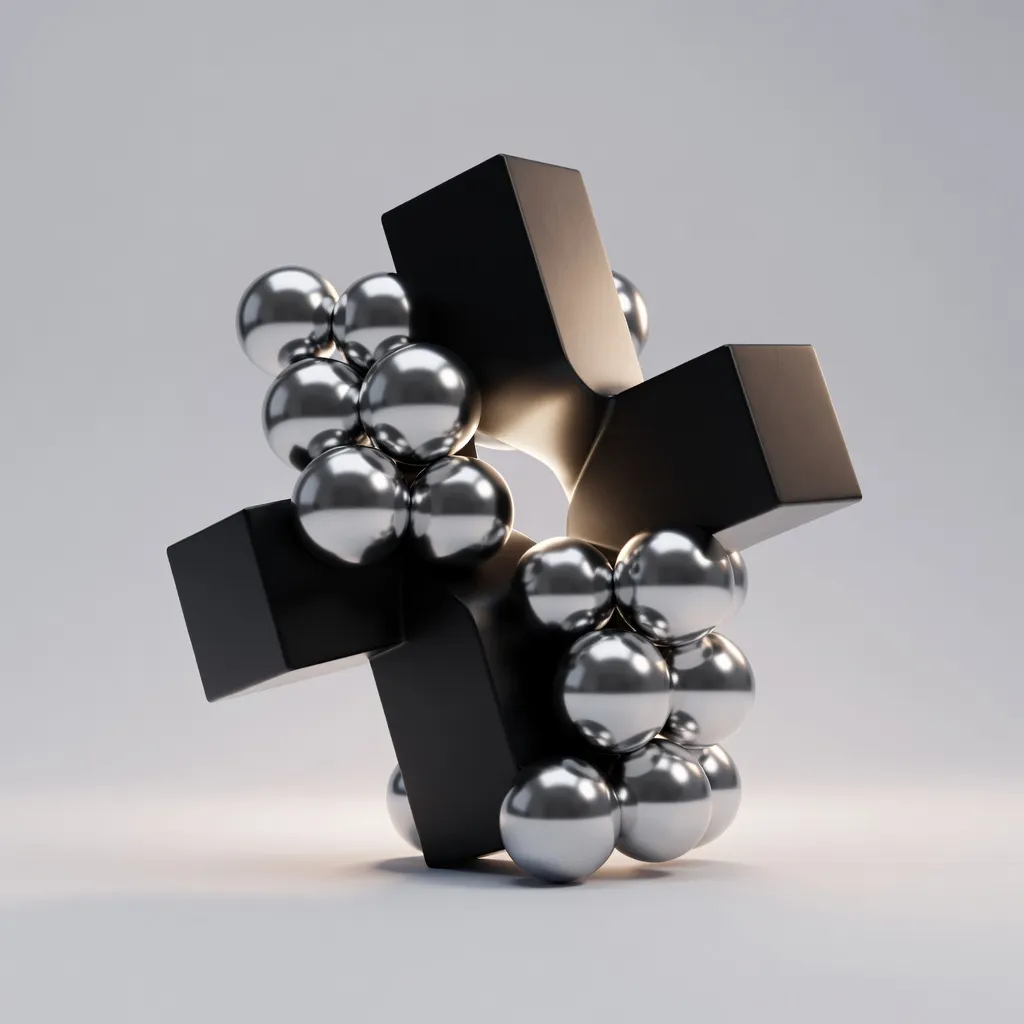
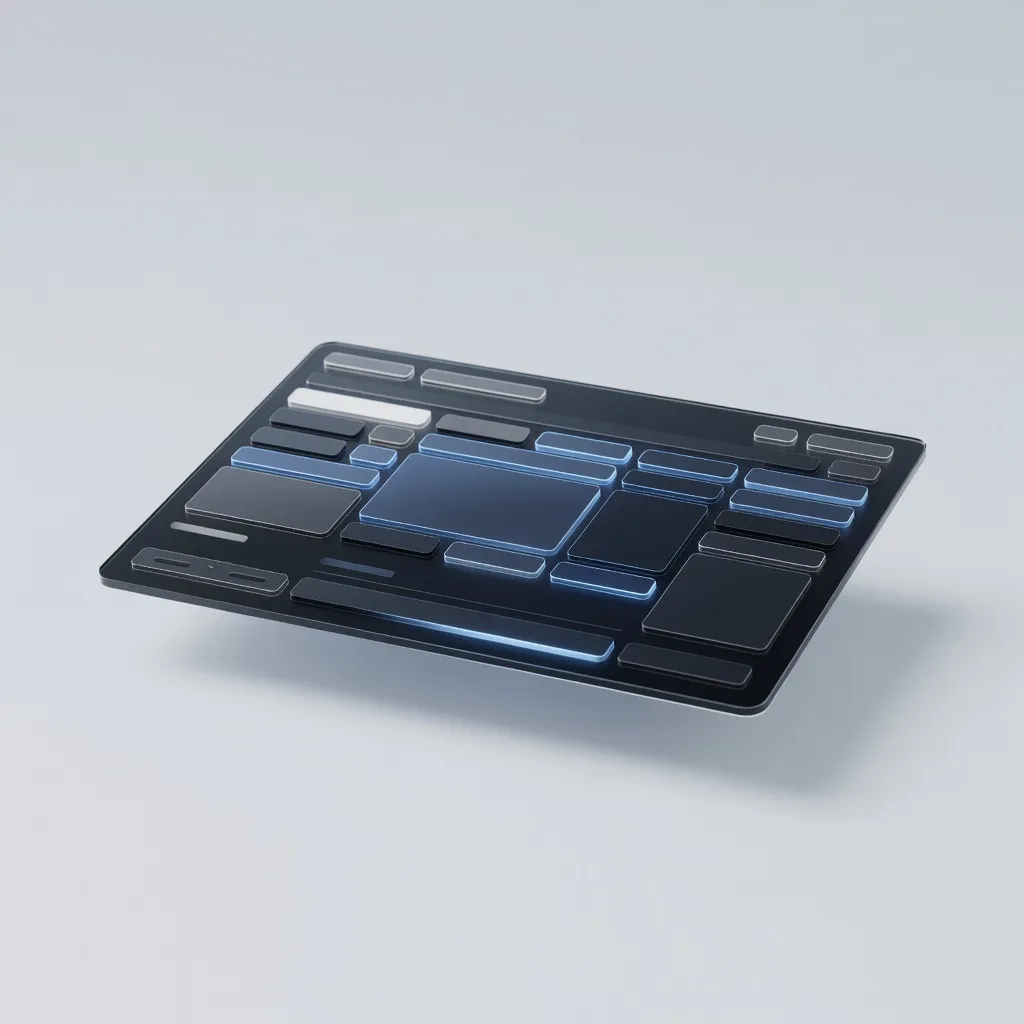
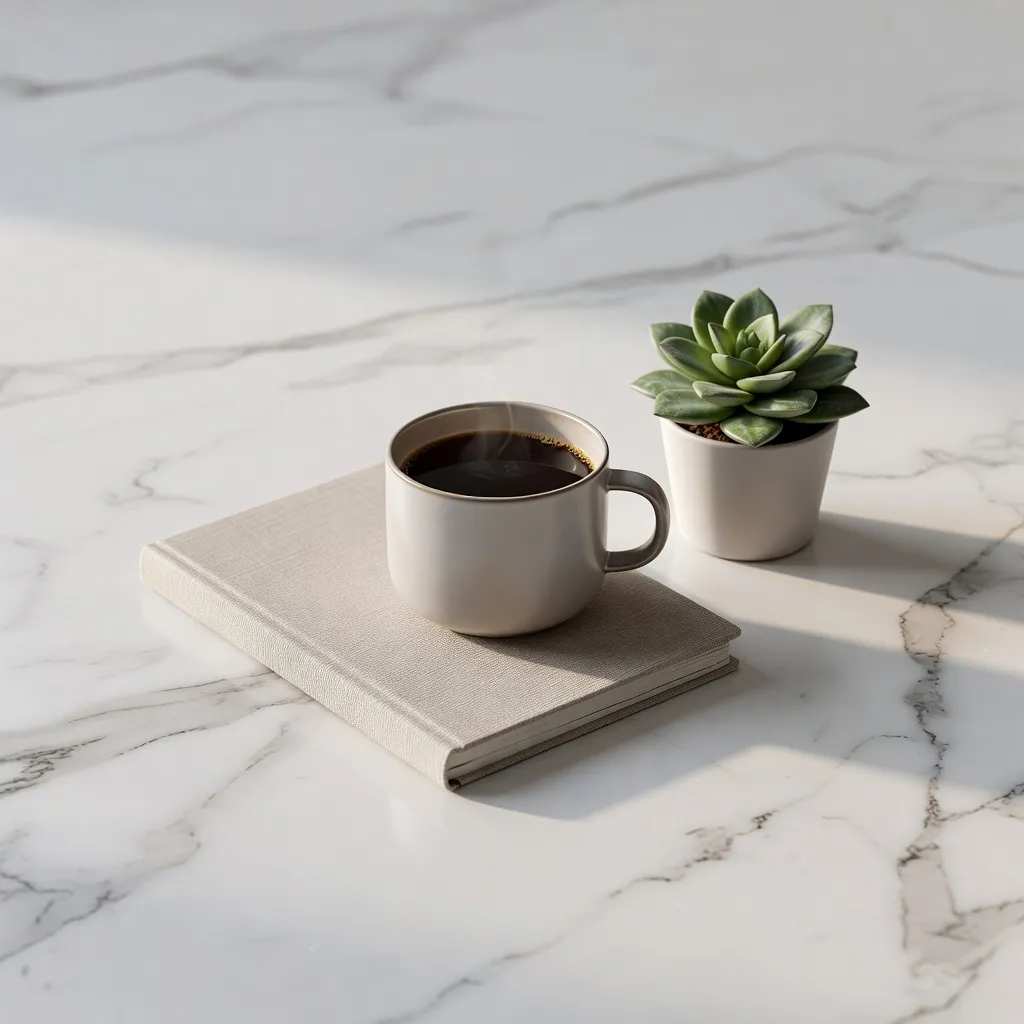
What makes Blender 3D Render distinct
Physically based rendering with accurate light interaction — subsurface scattering, reflection, and refraction
Ambient occlusion for realistic contact shadows where surfaces meet
Volumetric lighting effects including atmospheric fog, light shafts, and emission glow
HDRI environment lighting that produces accurate reflections and natural shadow direction
Depth of field blur that mimics high-quality lens optics and directs viewer focus
Best for
Product visualization before physical production
Generate photorealistic renders of products for e-commerce listings, investor decks, and marketing materials before prototypes exist. Faster and less expensive than traditional 3D modeling and rendering.
Abstract marketing visuals
Create striking abstract 3D artwork for website hero images, social media content, and advertising creative that communicates quality and technical sophistication.
Architectural and spatial visualization
Render interior and exterior spaces for presentations and marketing materials with realistic lighting, materials, and atmosphere.
Brand identity and creative direction
Explore visual directions for brand campaigns with rapid 3D render generation — test different material, lighting, and composition concepts before committing to a production direction.
How to generate blender 3d render images
- 01
Choose the Blender 3D Render preset in Primsatic. This preset optimizes generation parameters for photorealistic quality, physically accurate lighting simulation, and the characteristic material shading of Blender Cycles outputs.
- 02
Write a detailed prompt including: the subject, the material properties (glass, metal, matte, subsurface scattering), the lighting setup (studio, HDRI, natural window, three-point), and the background (white, dark, environment). The more specific your material and lighting description, the closer the output to a real Blender render.
- 03
Review your generated image and identify specific elements that need adjustment — lighting direction, material roughness, shadow softness. Add these corrections explicitly to your prompt and regenerate. 2–3 iteration cycles typically produce a publication-ready result.
Blender 3D Render AI generator — questions
Generate your first blender 3d render image
Professional visuals in seconds.