Generate Isometric Illustrations with AI
Primsatic's Isometric Illustration preset creates clean 3D geometric artwork in the style of professional tech and SaaS marketing illustrations — without needing a 3D modeling tool or designer.
7-day free trial. Credit card required.

Isometric Illustration examples
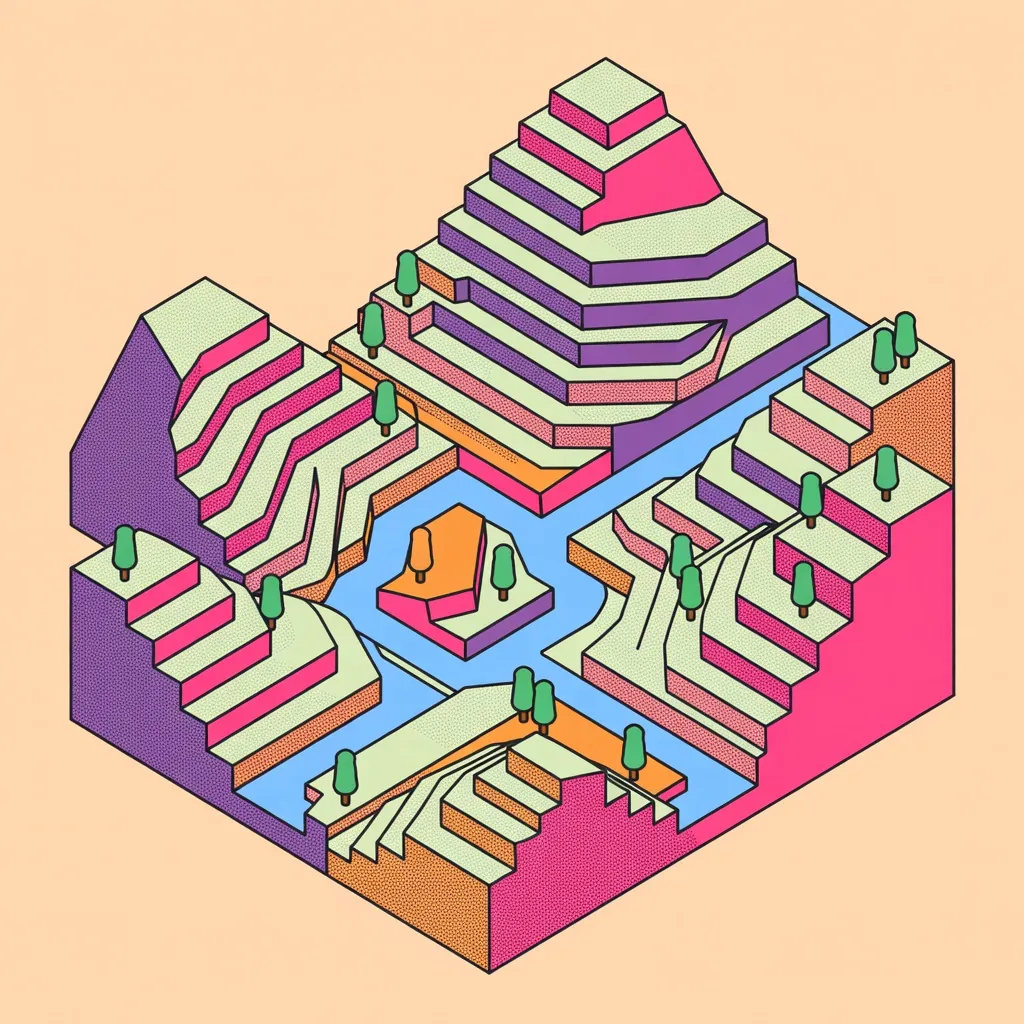
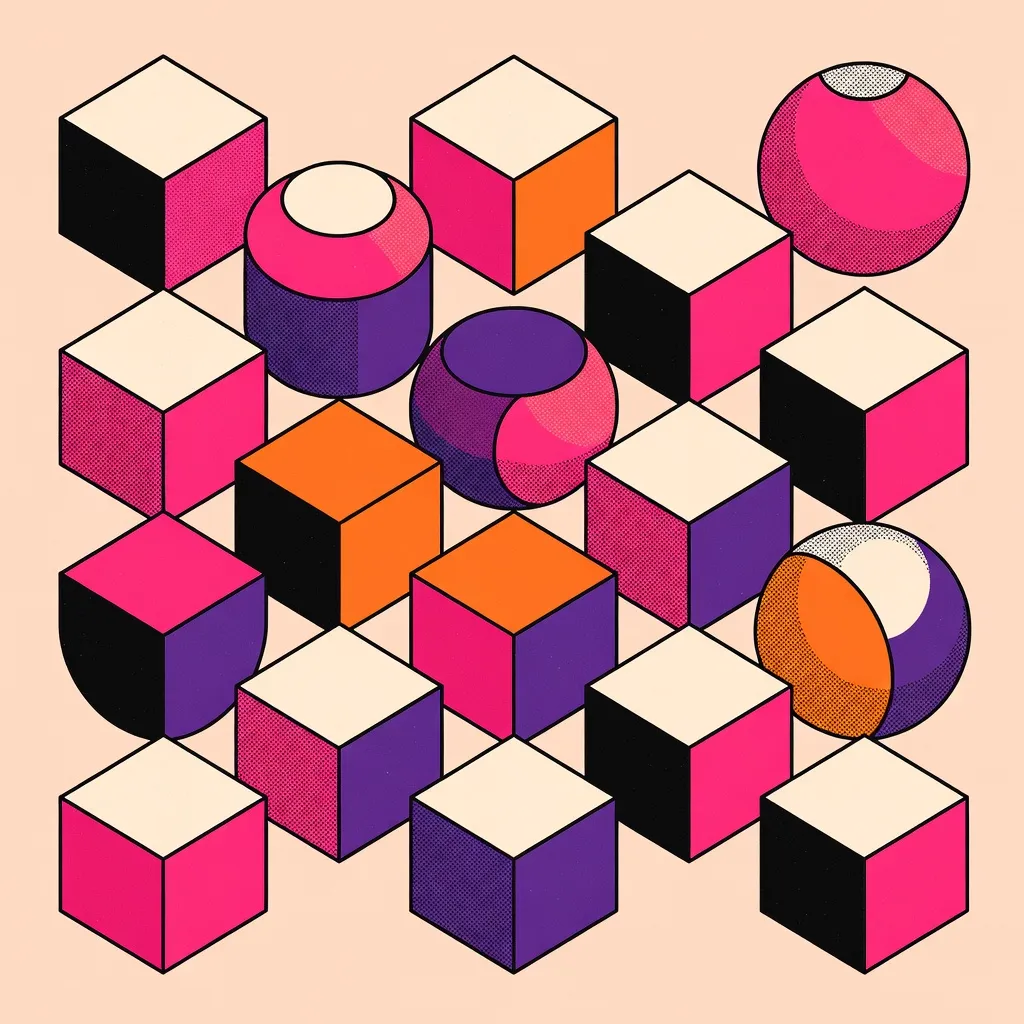
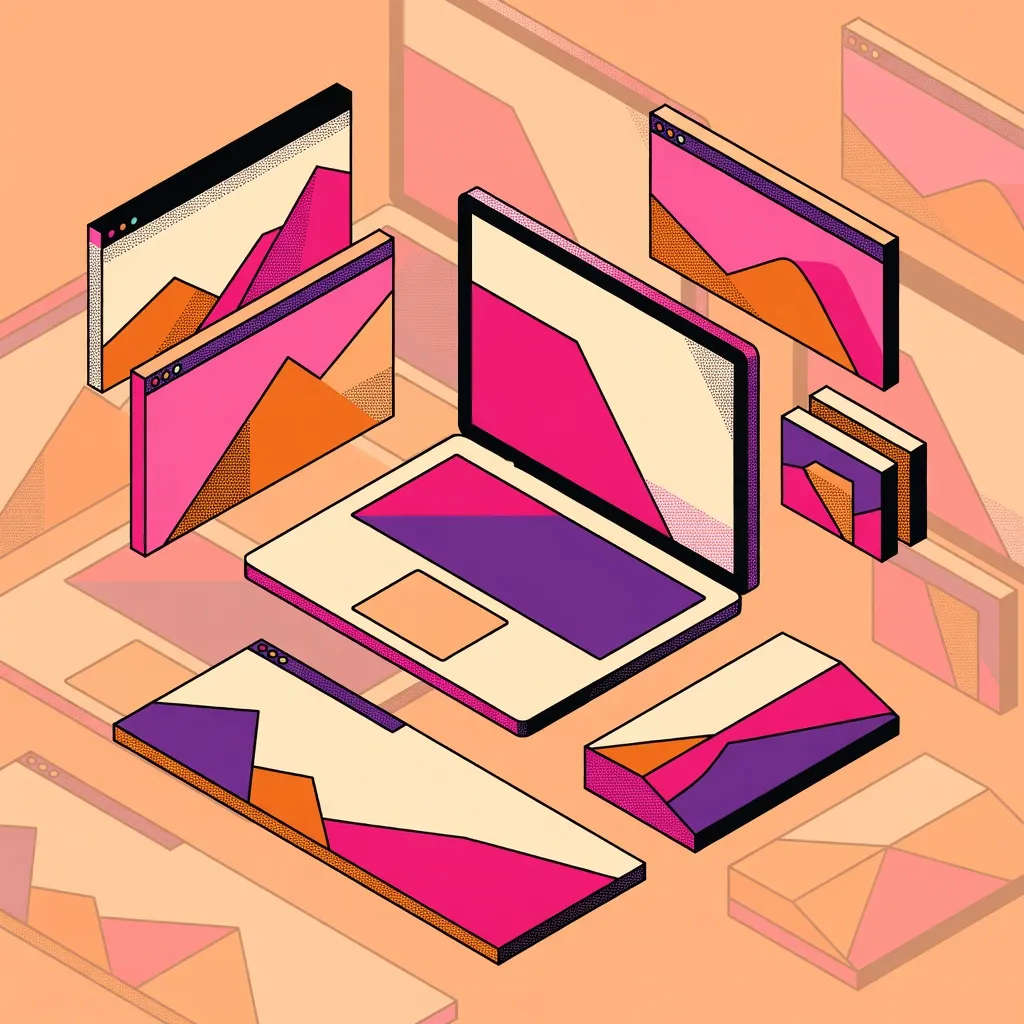
Every image below was generated with this style. Each prompt was unique — the style is consistent.


What makes Isometric Illustration distinct
Fixed 45-degree viewing angle creating precise geometric depth without photographic perspective distortion
Flat color fills with subtle stepped shading to define object faces — no gradients or soft lighting
Clean vector-style rendering with crisp edges and consistent line weights
Simplified, stylized objects that communicate concepts clearly at any scale
Professional SaaS and tech marketing aesthetic — widely used in product illustrations and editorial graphics
Best for
SaaS product marketing illustrations
Isometric style is the standard visual language for SaaS product pages, app store screenshots, and feature illustrations. Creates professional credibility without photorealistic production costs.
Technical diagrams and explainer graphics
The fixed viewing angle and clear object separation make isometric illustrations ideal for explaining architecture, workflows, and system diagrams where clarity matters more than realism.
Social media graphic assets
High-contrast isometric images perform well as LinkedIn post graphics, Twitter headers, and website hero images because they are visually distinctive and reproduce well at all sizes.
Editorial and blog illustrations
Isometric illustrations pair well with written content as article header images, adding visual interest to text-heavy pages without photographic rights concerns.
How to generate isometric illustration images
- 01
Open Primsatic and choose the Isometric Illustration preset from the style library. The preset pre-configures the rendering parameters for the 45-degree perspective, flat shading, and clean edge style characteristic of isometric artwork.
- 02
Write a prompt describing what you want to illustrate — a product, a scene, a concept, or an abstract composition. Specify the color palette if you need it to match your brand. Include the word "isometric" in your prompt to reinforce the preset style and describe any specific objects you need in the scene.
- 03
Generate your image and review the result. If the perspective or object arrangement needs adjustment, refine your prompt with specific corrections ("add a larger building in the foreground," "make the color palette more muted") and regenerate. Download your final image in the resolution needed for your use case.
Isometric Illustration AI generator — questions
Generate your first isometric illustration image
Professional visuals in seconds.