Generate 3D Icons for Apps, Websites, and Marketing
Primsatic's 3D Icon preset generates photorealistic icon-style images with depth, gloss, and dimensional shading — the style popularized by iOS app icons and modern SaaS marketing graphics.
7-day free trial. Credit card required.

3D Icon examples
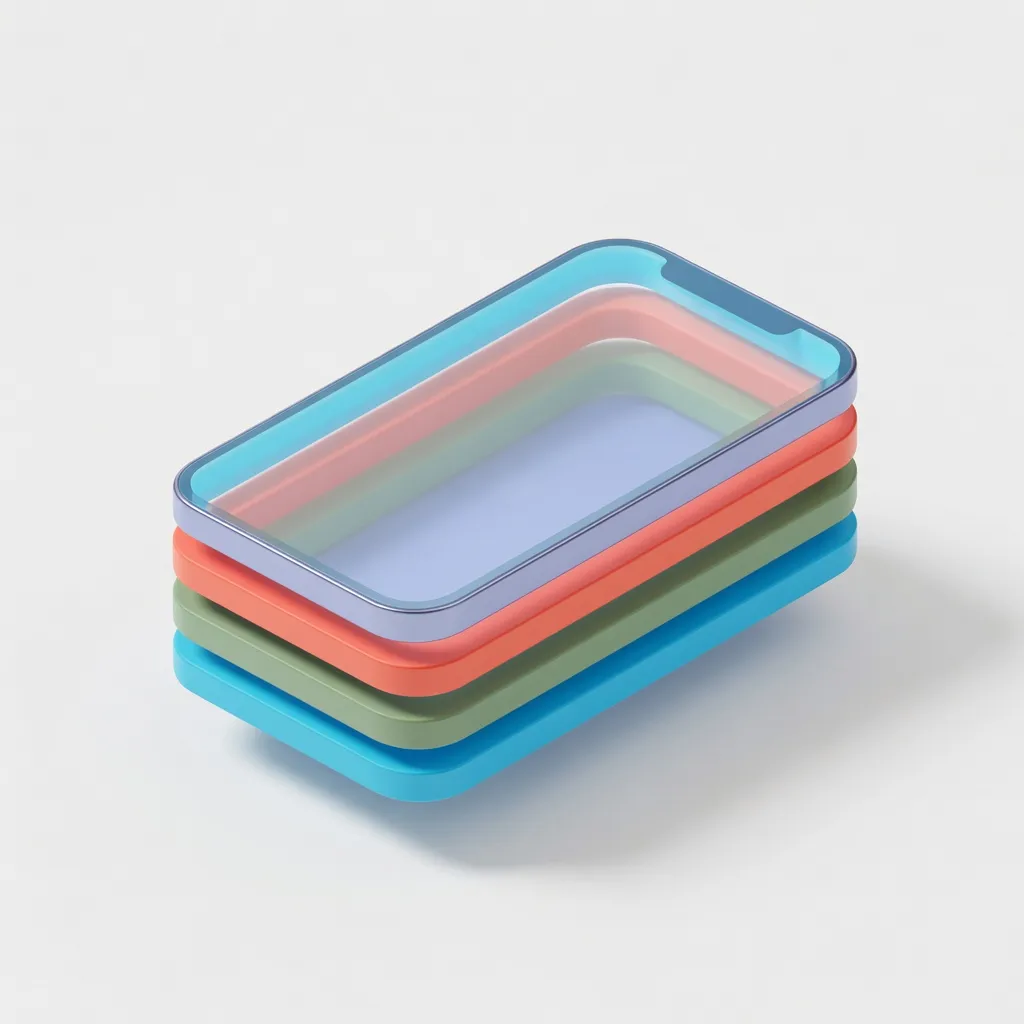
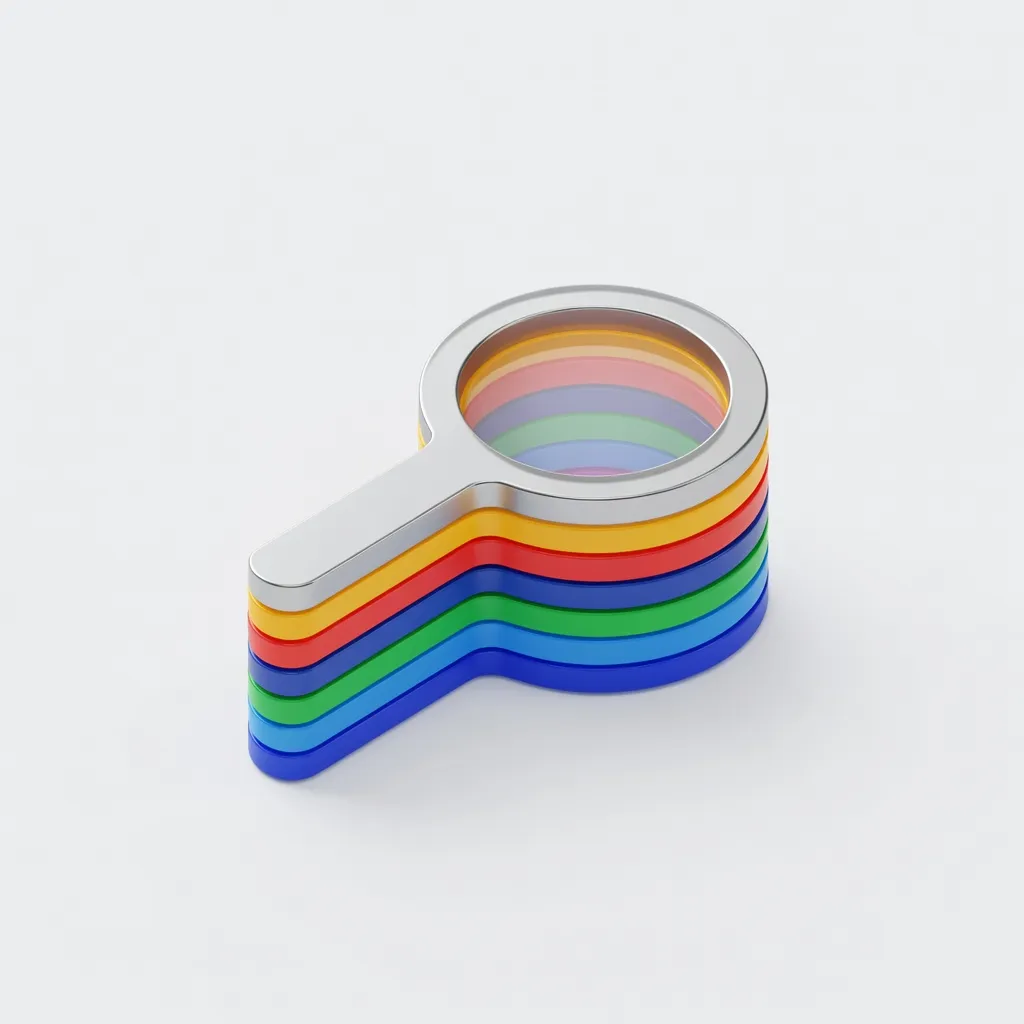
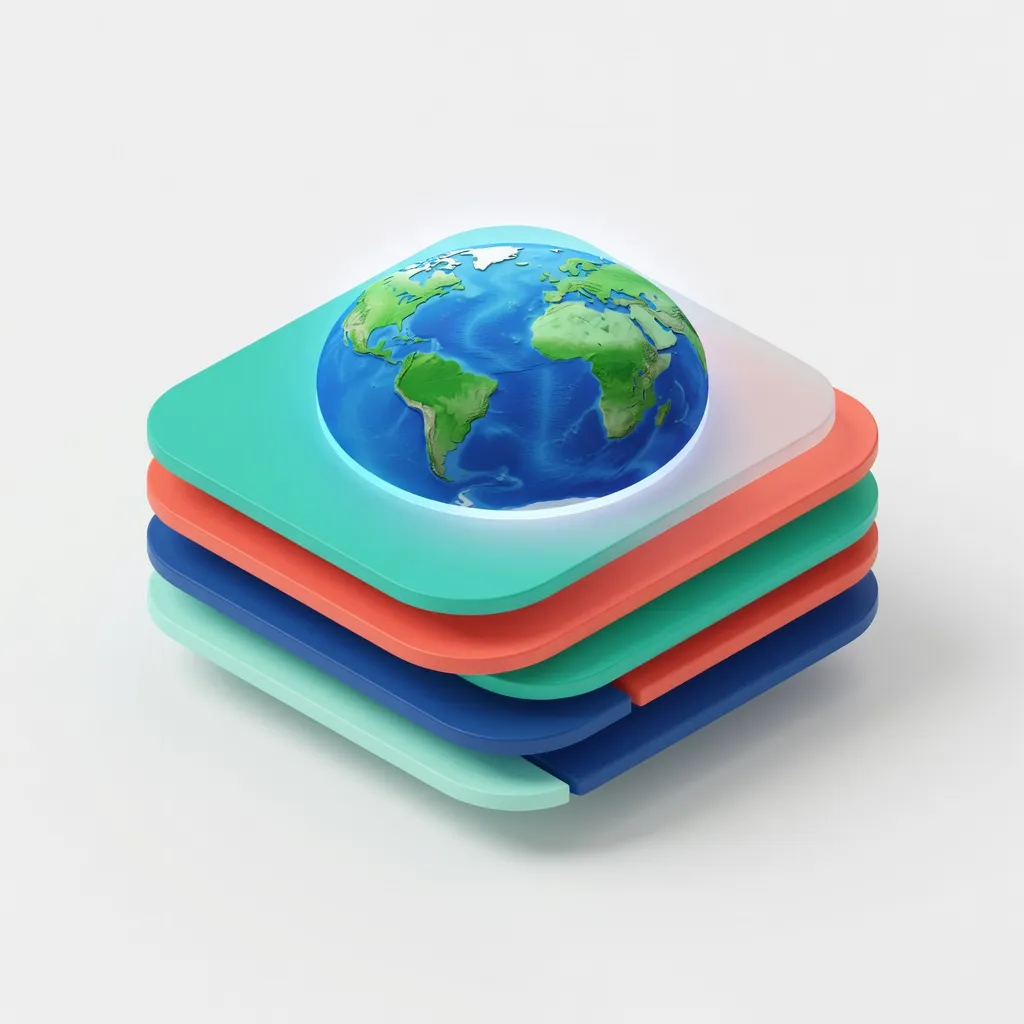
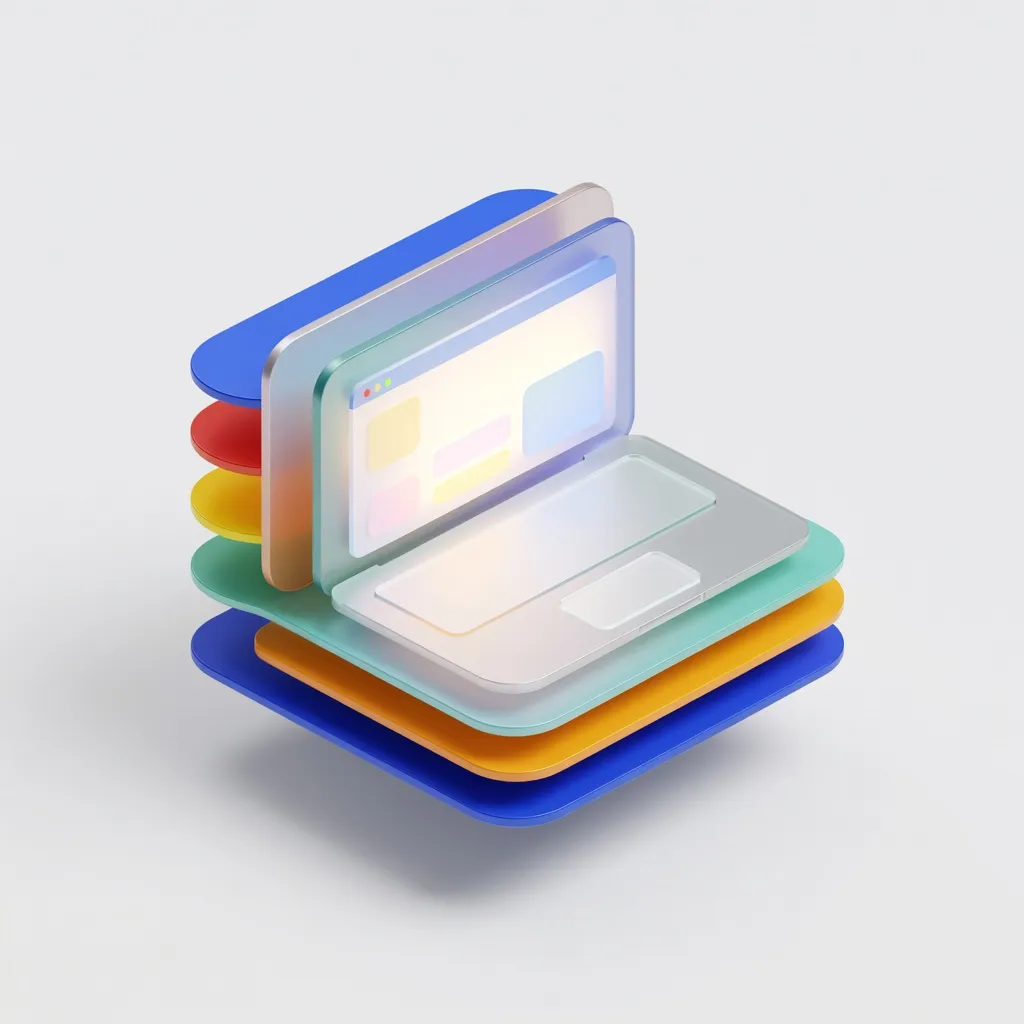
Every image below was generated with this style. Each prompt was unique — the style is consistent.

What makes 3D Icon distinct
Photorealistic material shading — gloss, matte, metal, glass, and translucent materials rendered accurately
Consistent perspective and scale across multiple icons generated with the same preset
Soft ambient occlusion drop shadows that ground objects on the background without harsh edges
Vibrant yet professional color saturation matching contemporary app icon design conventions
Square or circular crop-ready compositions optimized for icon display contexts
Best for
App icon concepts and alternatives
Generate multiple app icon concepts quickly for design reviews and stakeholder presentations before committing to production design work.
Feature icons for product pages and marketing
SaaS product pages typically use a set of matching 3D icons to represent product features. Primsatic generates consistent sets of icons in the same style and lighting.
Social media and email marketing imagery
High-quality 3D icon images stand out in email headers, LinkedIn posts, and ad creatives where professional visual quality signals credibility.
Presentation and slide deck visuals
Replace flat 2D icons in pitch decks and internal presentations with dimensional 3D icon images that elevate production quality without designer time.
How to generate 3d icon images
- 01
Open Primsatic and select the 3D Icon preset. This preset configures generation for the close-up, isolated object style with appropriate scale, background, and material rendering for icon use cases.
- 02
Write a prompt naming the icon subject and specifying its material: "3D icon of a calendar with a red binding and white pages, glossy cover, soft drop shadow on white background." Material specification is the most important variable — glossy versus matte versus metallic produces very different results.
- 03
To generate a matching set of icons, keep the background, lighting description, and stylistic references ("Apple App Store icon style") consistent across all prompts in the set. Vary only the object and material. This produces a cohesive visual family.
3D Icon AI generator — questions
Generate your first 3d icon image
Professional visuals in seconds.