Generate Social Media Graphics Ready to Post
Primsatic's Social Media Post preset generates platform-ready images — quote cards, announcement graphics, promotional visuals, and story formats — with the composition and text-safe zones optimized for each social platform.
7-day free trial. Credit card required.

Social Media Post examples
Every image below was generated with this style. Each prompt was unique — the style is consistent.
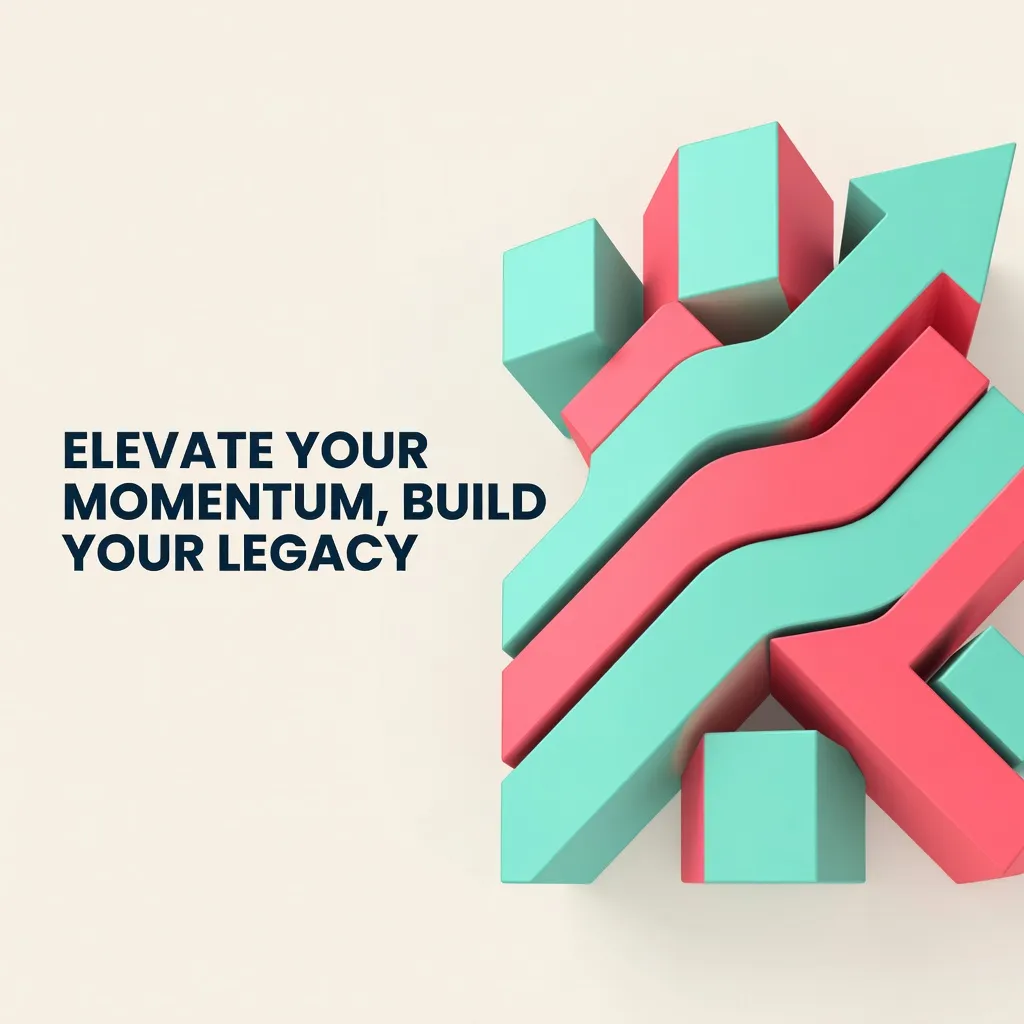

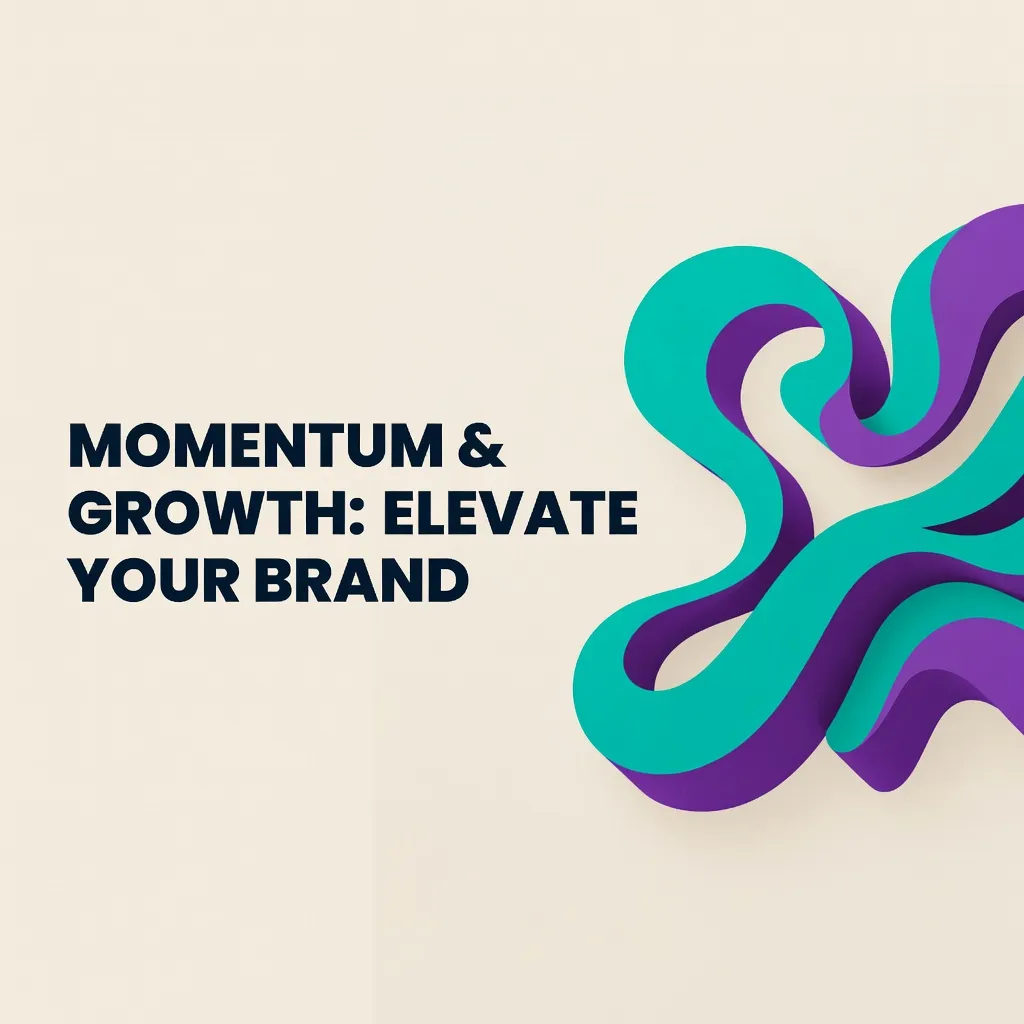


What makes Social Media Post distinct
Compositions optimized for social platform dimensions — 1080x1080, 1200x628, 1080x1920, and more
Text-safe zones that preserve clear areas for overlaying captions and headings
High contrast ratios between background and foreground elements for on-screen readability
Platform-specific aesthetic conventions — professional for LinkedIn, expressive for Instagram, bold for TikTok
Clean, scalable backgrounds and design elements that remain sharp at compressed social media file sizes
Best for
Quote and insight cards
Generate branded background images for overlaying quotes, statistics, or key insights for LinkedIn and Instagram post graphics.
Announcement and event graphics
Create promotional graphics for product launches, webinars, events, and business announcements across all social platforms.
Story backgrounds
Generate full-bleed background images for Instagram and TikTok stories in the correct 9:16 portrait format with text-safe zones.
Ad creative backgrounds
Rapid generation of visual backgrounds for paid social ad creative testing — generate 10 background options in minutes and identify the strongest before committing to production.
How to generate social media post images
- 01
Choose the Social Media Post preset in Primsatic and specify which platform you are generating for — this determines the composition and dimension guidance. LinkedIn, Instagram, Twitter/X, and TikTok Stories all have different optimal layouts.
- 02
Write a prompt that describes the background style, color palette, key visual elements, and purpose of the post: "announcement graphic with dark background and gold accent elements, professional brand feel, LinkedIn landscape format." Include platform format specifications.
- 03
Download the generated background image and import it into Canva, Figma, or your preferred design tool. Overlay your text, logo, and any other branded elements. Primsatic generates the visual foundation — your design tool handles the text layer.
Social Media Post AI generator — questions
Generate your first social media post image
Professional visuals in seconds.