Generate Professional Studio Product Photography With AI
Primsatic's Studio Minimal preset produces clean, professional images with seamless studio backgrounds, accurate soft-box lighting, and the crisp shadow detail of high-end product photography — without a studio or photographer.
7-day free trial. Credit card required.

Studio Minimal examples
Every image below was generated with this style. Each prompt was unique — the style is consistent.
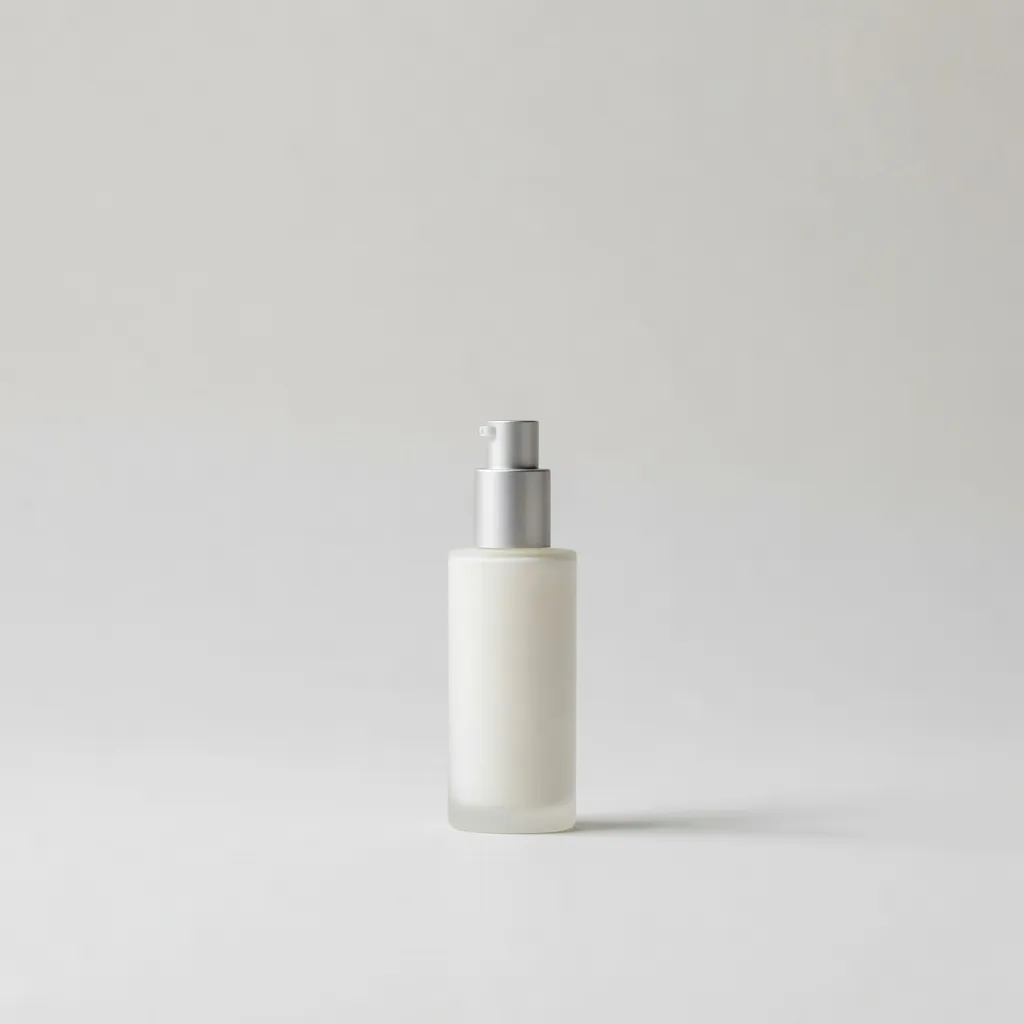
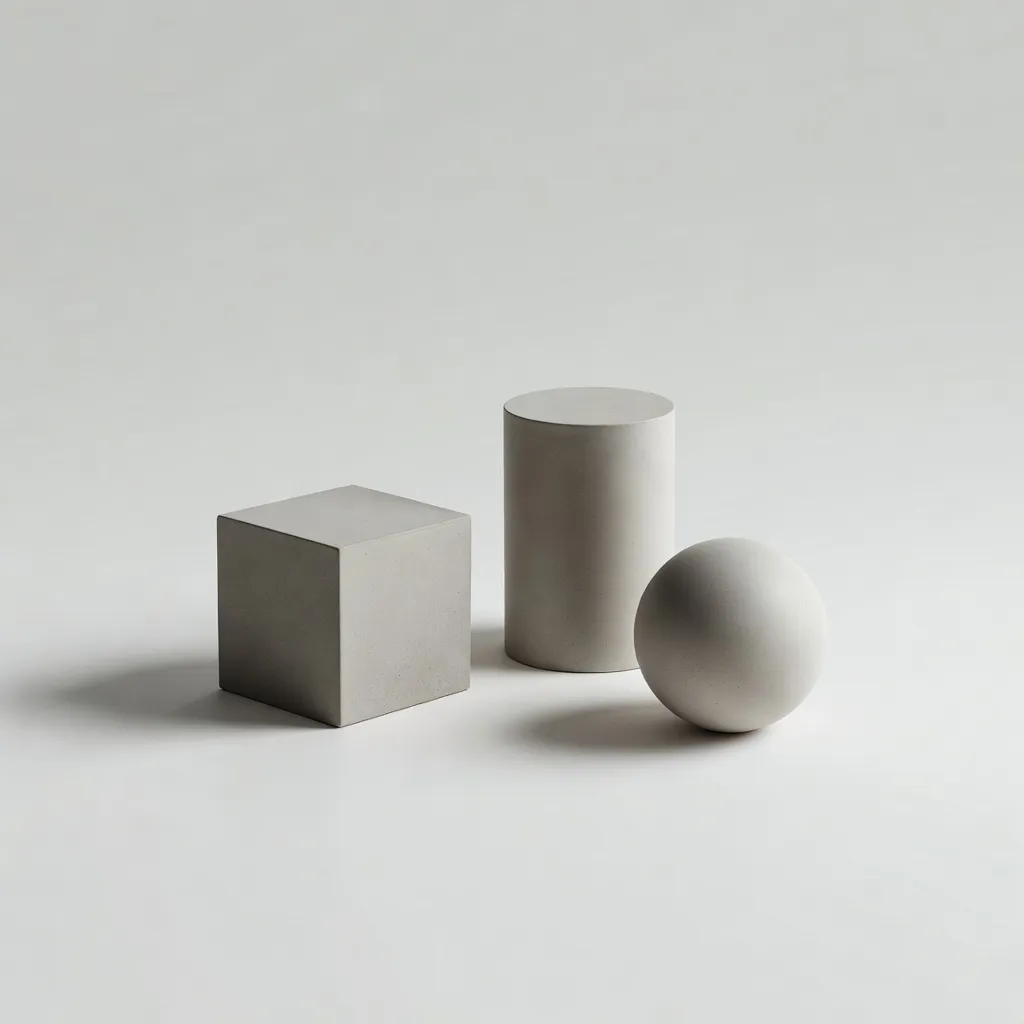
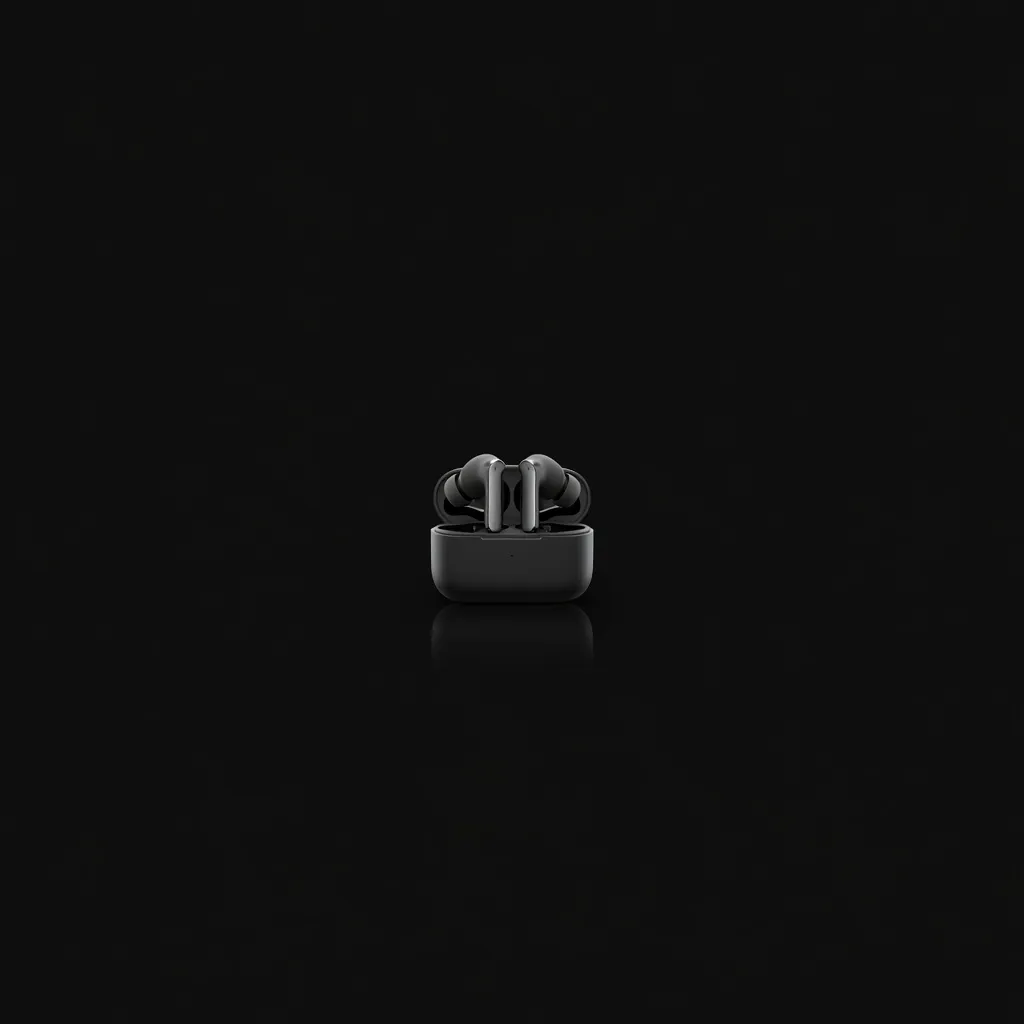
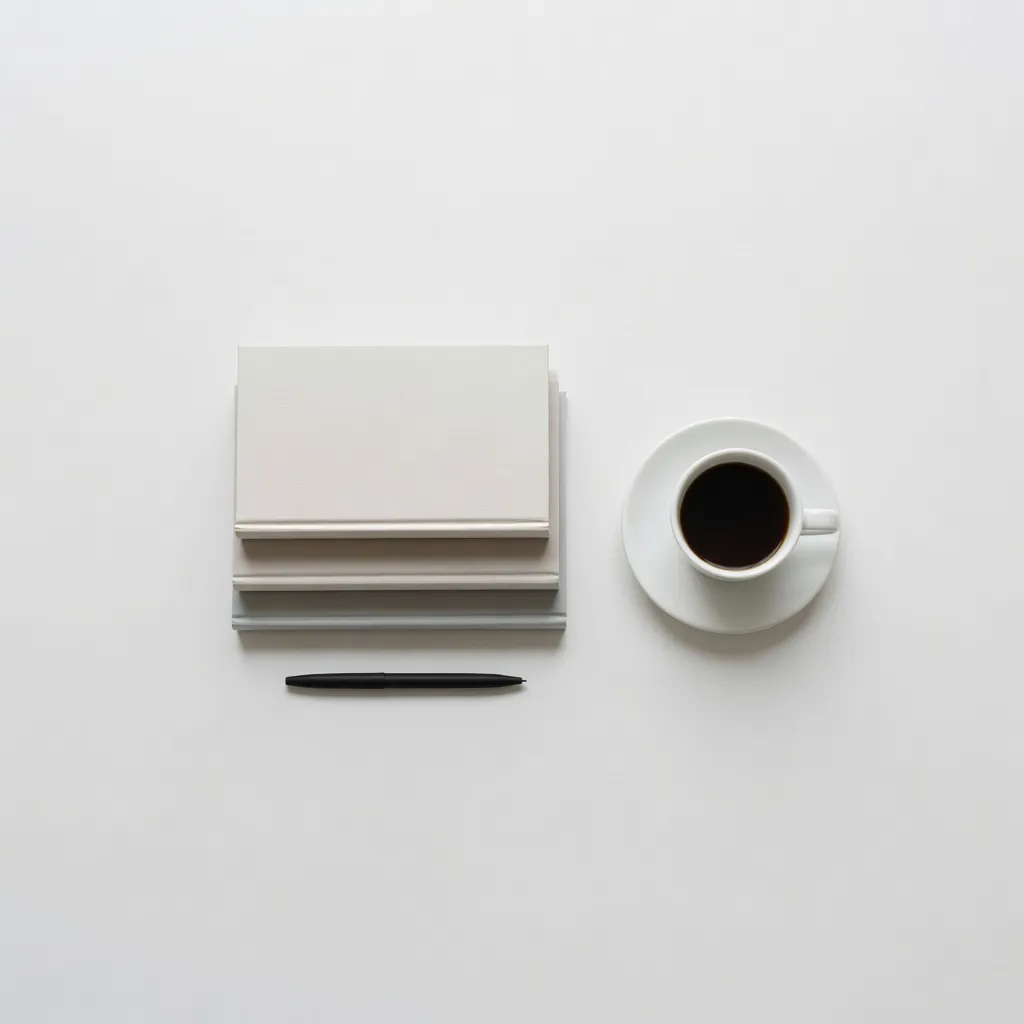
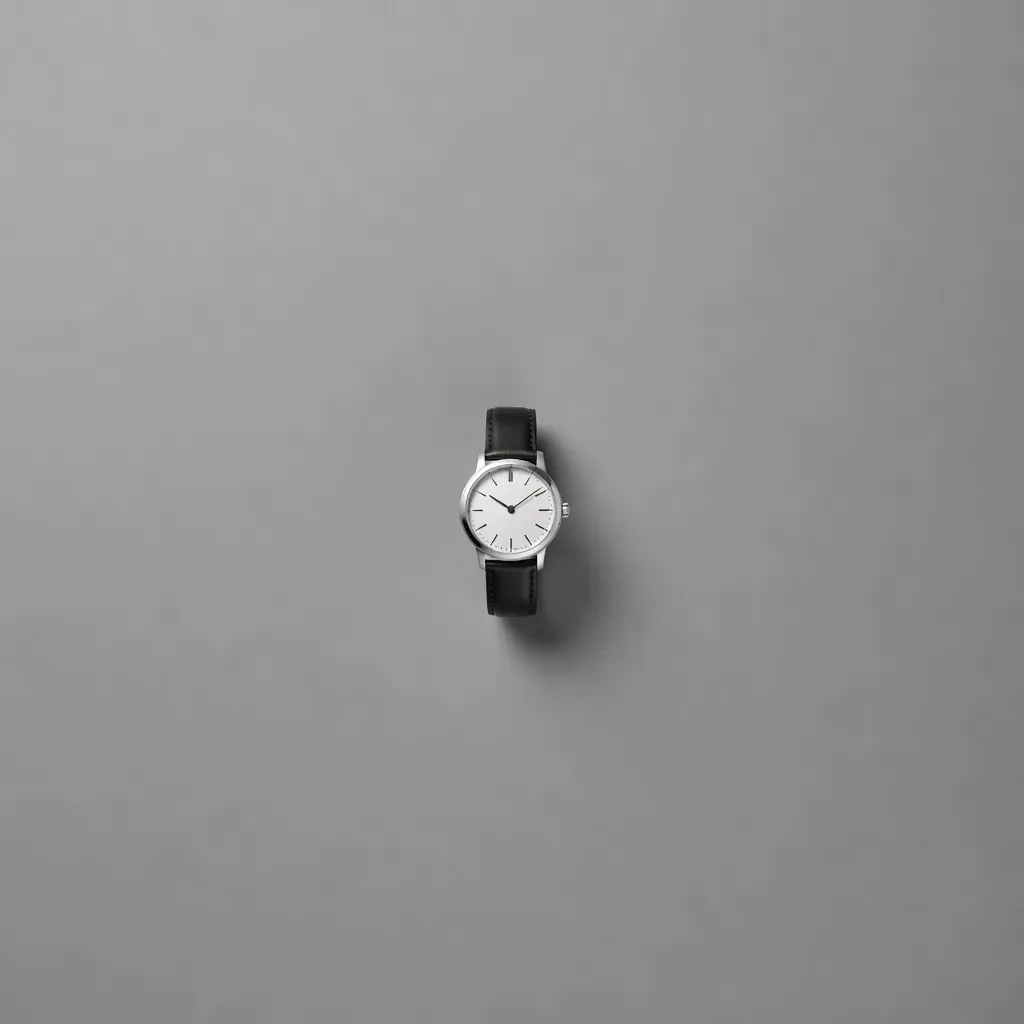
What makes Studio Minimal distinct
Seamless studio backgrounds — white, gray, black, or pastel — with appropriate light spill and shadow gradient
Professional softbox lighting simulation: single-source direction, wrap shadows, and subtle fill from the opposite side
Subject isolation with clean separation from background via accurate shadow and edge lighting
High color accuracy and true-to-life material rendering for product photography contexts
Composition conventions from professional product photography — centered subject, asymmetric arrangement, negative space
Best for
E-commerce product imagery
Generate clean product images for online store listings when physical product photography is unavailable, too expensive, or at the pre-production concept stage.
Brand photography and identity imagery
Create a consistent library of brand photography with matching background tones, lighting direction, and composition style.
Social media product posts
Studio minimal images perform strongly on Instagram and Pinterest for product brands because they are visually clean and let the product speak without visual noise.
Presentation and pitch deck product imagery
Replace low-quality product photos in investor presentations and client pitches with polished studio-quality imagery that communicates production value.
How to generate studio minimal images
- 01
Choose the Studio Minimal preset in Primsatic. This preset configures generation for seamless backgrounds, professional softbox lighting simulation, and the clean isolation characteristic of studio product photography.
- 02
Write a prompt specifying the subject in detail (material, color, shape), the background ("seamless white," "mid-gray gradient," "seamless black"), and the lighting direction ("large softbox upper left," "overhead diffuse light," "side split lighting"). Include the photography quality reference: "professional product photography quality."
- 03
Studio minimal images often need one adjustment iteration for shadow intensity and background brightness. Specify corrections: "reduce shadow density," "increase background brightness," "add subtle surface reflection below the object." Regenerate with the updated prompt.
Studio Minimal AI generator — questions
Generate your first studio minimal image
Professional visuals in seconds.