Generate Infographic Card Grids with AI
Primsatic's Infographic Card Grid preset creates bold editorial card layouts — 3–4 illustrated cards side by side, each with an isometric-style icon scene, a short question, and a bold arrow callout. No design tool required.
7-day free trial. Credit card required.

Infographic Card Grid examples
Every image below was generated with this style. Each prompt was unique — the style is consistent.




What makes Infographic Card Grid distinct
3–4 equal-width cards arranged horizontally — the entire canvas is cards, with no title banner or header taking up space
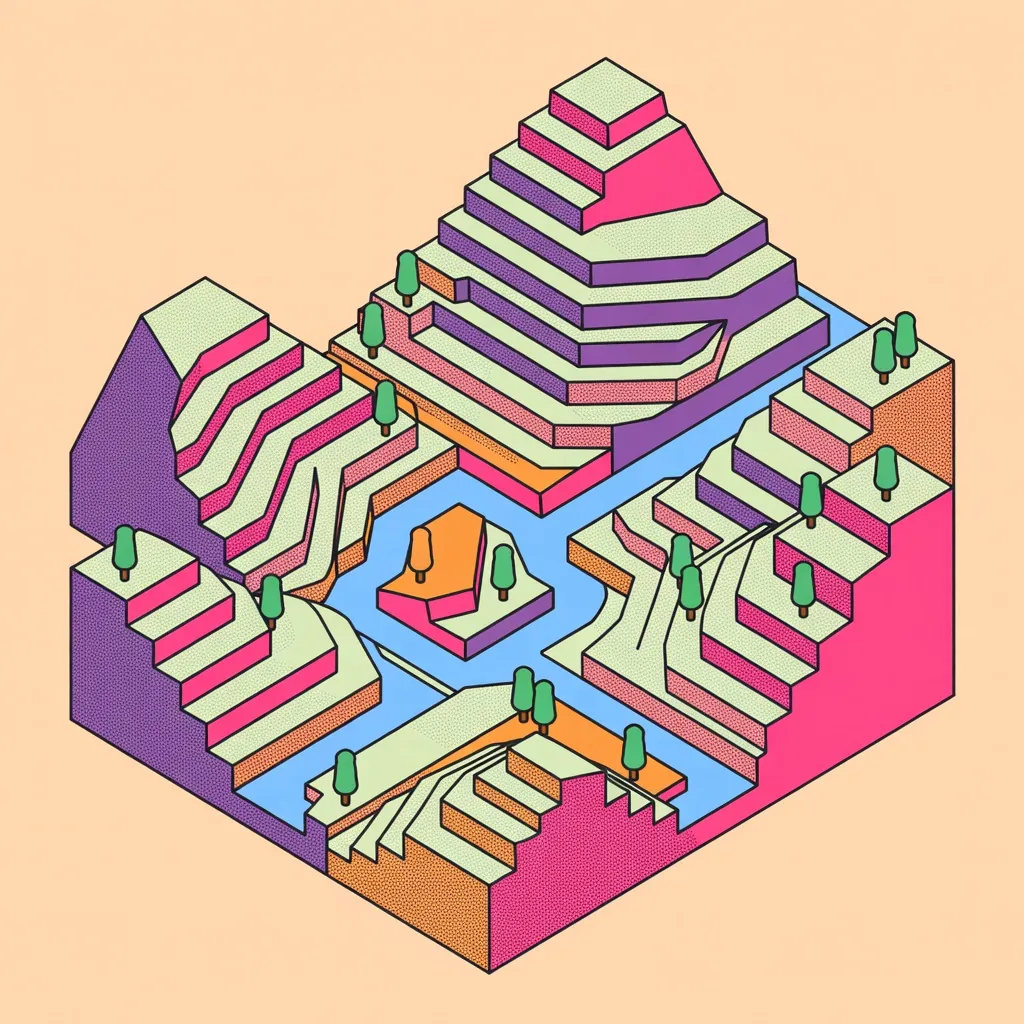
Each card icon uses the bold isometric illustration aesthetic: thick black outlines, halftone dot and crosshatch fills, risograph color blocking
Each card border is a different bold accent color from the palette, making each card visually distinct at a glance
Clean two-line text structure per card: a short question or statement, then a bold "→" arrow pointing to the key takeaway
Limited 4-color palette (magenta, violet, orange, black) keeps the composition bold and cohesive across all cards
Best for
YouTube thumbnails and video graphics
The 16:9 card grid format translates directly into YouTube thumbnails, end-screen graphics, and video chapter cards that communicate multiple options or steps at a single glance.
Pricing and feature comparisons
Card grids are the natural format for side-by-side comparisons — pricing tiers, feature sets, plan options. Each card presents one option cleanly without visual clutter.
Social media explainers and summaries
A 3–4 card grid on LinkedIn or Twitter/X communicates a multi-point argument, a quick summary, or a process overview in a format that stops the scroll and rewards the viewer.
Presentation slides and pitch decks
Drop a card grid image directly into a slide as a full-bleed visual to replace bullet-point lists with a more engaging, editorial format that aligns with the isometric aesthetic.
How to generate infographic card grid images
- 01
Open Primsatic and choose the Infographic Card Grid preset from the style library under the Illustration category. The preset configures the card layout, isometric icon style, bold color palette, and arrow callout typography.
- 02
Write a prompt describing the concept and the 3–4 items you want each card to represent — pricing tiers, process steps, use cases, roles, or benefits. The AI will generate an isometric icon scene and thematically appropriate question + callout text for each card.
- 03
Generate your card grid and review the icon scenes and callout text. If a card icon or text needs adjustment, refine your prompt with more specific descriptions for that card and regenerate. Download in 16:9 resolution for YouTube, social, or slides.
Infographic Card Grid AI generator — questions
Generate your first infographic card grid image
Professional visuals in seconds.