Turn a List Into a Bold Isometric Bar Chart
Primsatic's Isometric Chart preset converts any list of items into a bold editorial bar chart — rendered as isometric 3D prism bars with halftone textures, thick black outlines, and brand identity colors when connected.
7-day free trial. Credit card required.

Isometric Chart examples
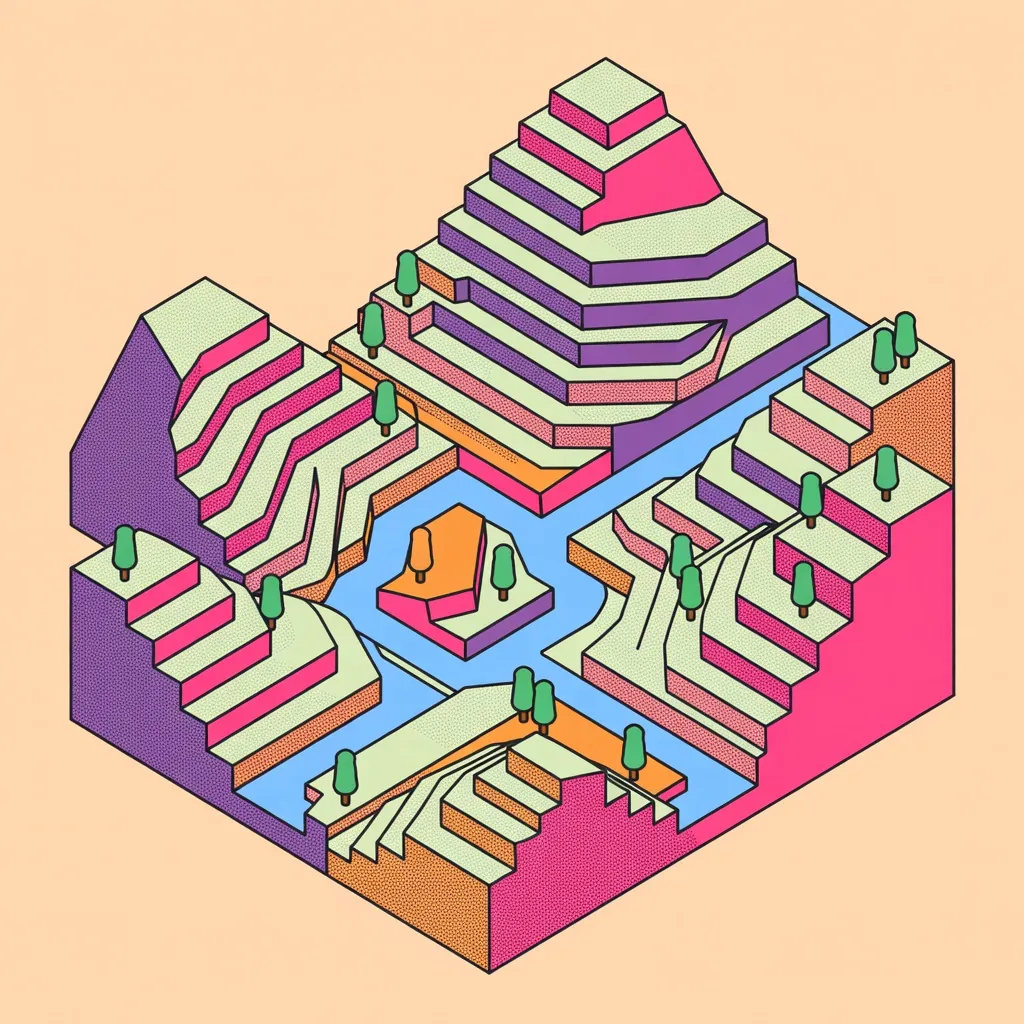
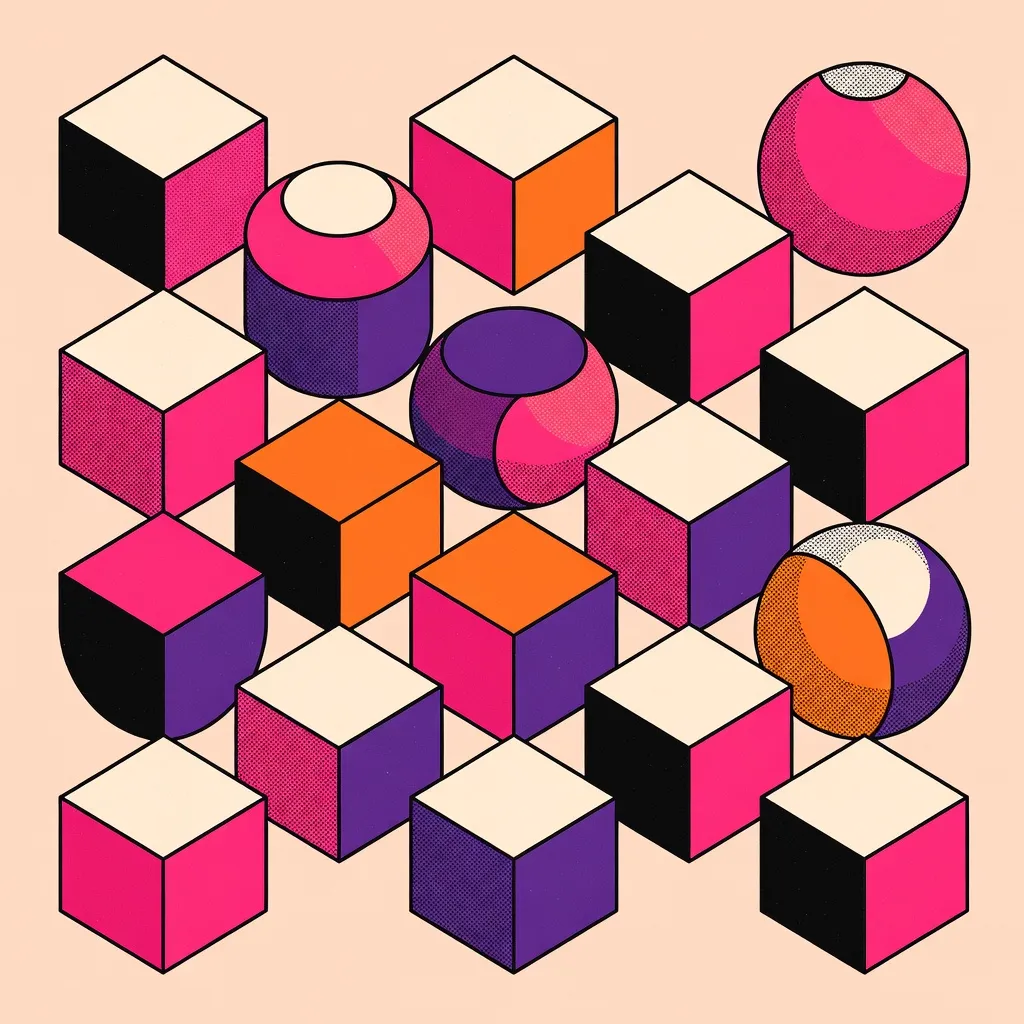
Every image below was generated with this style. Each prompt was unique — the style is consistent.



What makes Isometric Chart distinct
Chart bars are isometric 3D rectangular prisms — the same bold box geometry as the Isometric Illustration style, adapted as data columns
Each bar face is filled with halftone dot screens and crosshatch patterns in the 4-color editorial palette: hot magenta-pink, deep purple-violet, bright orange, and black
Thick black outlines define every bar edge, the floor grid tiles, and all axis boundaries — zero gradients or soft shading
Three text zones per chart: a bold title at the top, category labels beneath each bar, and numeric value labels above each bar top face
Connect a Brand Identity to override the default palette with your brand colors — one brand color assigned per bar
Best for
Social media data storytelling
A bold isometric chart stops the scroll on LinkedIn, Twitter/X, and Instagram. The editorial halftone aesthetic makes the data feel authoritative and visually distinctive.
Presentation slides and pitch decks
Drop an isometric chart as a full-bleed slide visual to replace generic bar charts. The bold palette and 3D prism format makes data slides memorable without requiring design software.
Editorial and blog article headers
Data-driven articles pair naturally with an isometric chart header — the graphic poster aesthetic signals "data insight" without the sterility of a spreadsheet screenshot.
Brand-consistent data reporting
Connect your Brand Identity and the preset applies your brand colors to each bar automatically. Every chart inherits the same visual language as your other Primsatic brand assets.
How to generate isometric chart images
- 01
Open Primsatic and choose the Isometric Chart preset from the style library under the Illustration category. The preset configures the isometric 3D bar geometry, halftone texture fills, thick outline style, and text label zones.
- 02
Write a prompt that lists the categories and values you want charted — for example: "Q1 revenue by region: North 42k, South 31k, East 28k, West 55k". The AI uses your list items as bar labels and derives bar heights from the values or the order of items.
- 03
Generate your chart and review the bar heights, labels, and title. If a bar value or label needs correction, update your prompt with the exact figures and regenerate. Download in 16:9 for slides, social media, or editorial use.
Isometric Chart AI generator — questions
Generate your first isometric chart image
Professional visuals in seconds.